> For the complete documentation index, see [llms.txt](https://docs.2checkout.com/llms.txt). Markdown versions of documentation pages are available by appending `.md` to page URLs; this page is available as [Markdown](https://docs.2checkout.com/customer-myaccount/2checkout-customer-myaccount/subscription-cancellation-via-myaccount/extraordinary-cancellation-for-subscriptions-via-myaccount.md).
# Extraordinary cancellation for subscriptions via myAccount
## Overview
2Checkout offers an extraordinary subscription cancellation flow to the shoppers in Germany, localized via billing address country.
Extraordinary subscription cancellation is defined as a cancellation requested by shoppers under unusual circumstances which require manual validation by Shopper Support team. After the analysis is completed and the request resolution is decided, Support team is the one cancelling the subscription and communicating with the shoppers.
Examples of reasons falling under the extraordinary category:
* The shopper moves to another country where the service/product is not available
* The shopper dies and the person in title to handle his/her subscription is asking for the cancellation
## Benefits
* Under special circumstances, shoppers are able to cancel their subscriptions in a very quick and easy manner, without a notice period
* Compliance with the latest regulations issued by the German Consumer Protection authorities
* Manual validation and control over the cancellation process and communication
## Availability
The extraordinary cancellation flow is available only for shoppers with billing country Germany.
It is designed as a sub-flow of the automatic Subscription Cancellation flow, with the main difference that this is the only one requiring manual validation and manual subscription cancellation.
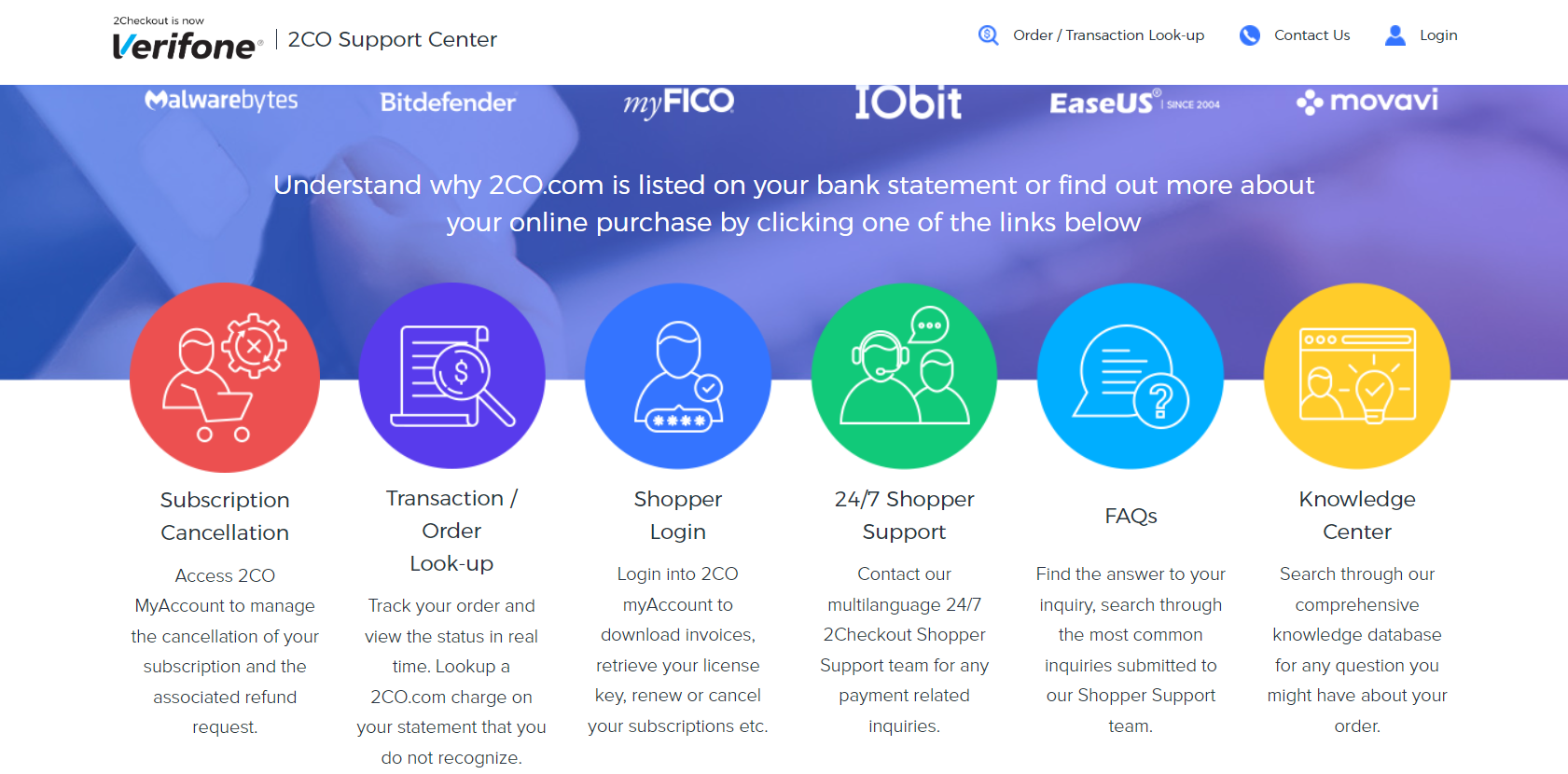
All shoppers with a German IP can enter the 2Checkout Shopper Support Center website ([www.2co.com](https://www.2co.com/)), where there is a "**Subscription cancellation**" button that directs them to MyAccount. If shoppers purchased a subscription license created in the 2Checkout platform, they can enter [MyAccount](https://secure.avangate.com/myaccount) either with their email address or with their order number.
## Restrictions
To be correctly chosen by the shoppers, in the pop-up open once the extraordinary cancellation is requested, there is a comprehensive explanation of this flow’s purpose/restrictions.
It is applicable only to special circumstances when there are objective reasons behind requesting a cancellation which aims to take effect as soon as possible.
Whenever Shopper Support analysis leads to the conclusion that the extraordinary request does not have a legit reason behind it, the request is rejected, and the subscription is not cancelled. Still, the shopper has the option to request the cancellation via the automatic flow, with the applicable notice period.
## Subscription cancellation flow
1. Go to **My Products** page from MyAccount, on the subscription for which the extraordinary cancellation will be requested.
2. Upon pressing the **Cancel Subscription** button, the below pop-up will open; select the **Extraordinary cancellation-please specify** option from the predefined drop-down list.
3. Once the reason is selected, the pop-up content will expand with an additional explanation and an editable box; here, more detailed explanations should be filled in such such a way that the Support team is able to easily assess the request.
4. Once the pop-up is closed in confirmation mode, the subscription details are updated as per the request next steps.
5. More than that, the shopper will receive a confirmation e-mail from the Support team and from that moment, Support will communicate the request resolution.
## Refunds
Once the subscription is cancelled by the Shopper Support team, the refund is handled via the regular refund procedure.
## FAQs
Extraordinary cancellation aims to work as fast as possible. However, due to the fact that there is a manual validation requested, sometimes small delays can occur, especially during holidays; still, these extraordinary requests coming from German shoppers are treated with high priority.
The regular cancellation flow is based on a notice period which may be up to 30 calendars days.
This request is analyzed by Shopper Support. The goal of the analysis is to assess whether the reason behind cancelling the subscription almost immediately, without a notice period, is objective.
Which is the difference in terms of processing time between extraordinary cancellation and regular cancellation flow?
Extraordinary cancellation aims to work as fast as possible; because there is a manual validation requested, sometimes small delays can occur, especially during holidays. However, these extraordinary requests coming from German shoppers are treated with high priority.
The regular cancellation flow is based on a notice period which may be up to 30 calendars days.
Why is it mandatory to fill in a detailed explanation for extraordinary cancellation?
This request is analyzed by shopper support; the goal of the analysis is to assess whether the reason behind cancelling the subscription almost immediately, without a notice period, is objective.
What happens if the reason provided by the shopper isn’t falling under the category of being a special circumstance?
The Support team should communicate to the shopper the resolution and that he/she can easily request again the cancellation of the subscription, this time without specifying it’s an extraordinary case and without being obliged to provide any reason. In such case, it is applicable the notice period of up to 30 days.
---
# Agent Instructions
This documentation is published with GitBook. GitBook is the documentation platform designed so that both humans and AI agents can read, navigate, and reason over technical content effectively. Learn more at gitbook.com.
## Querying This Documentation
If you need additional information that is not directly available in this page, you can query the documentation dynamically by asking a question.
Perform an HTTP GET request on the current page URL with the `ask` query parameter, and the optional `goal` query parameter:
```
GET https://docs.2checkout.com/customer-myaccount/2checkout-customer-myaccount/subscription-cancellation-via-myaccount/extraordinary-cancellation-for-subscriptions-via-myaccount.md?ask=&goal=
```
`ask` is the immediate question: it should be specific, self-contained, and written in natural language.
`goal` is optional and describes the broader end goal you are ultimately trying to accomplish on behalf of the user. GitBook uses it to tailor the answer towards what is most useful for that goal.
The response will contain a direct answer to the question and relevant excerpts and sources from the documentation.
Use this mechanism when the answer is not explicitly present in the current page, you need clarification or additional context, or you want to retrieve related documentation sections.