> For the complete documentation index, see [llms.txt](https://docs.2checkout.com/llms.txt). Markdown versions of documentation pages are available by appending `.md` to page URLs; this page is available as [Markdown](https://docs.2checkout.com/payments/payments/payment-methods/unionpay.md).
# UnionPay
## Overview
UnionPay is a Chinese financial services company headquartered in Shanghai, China.
Founded on 26 March 2002, UnionPay is a payment method available worldwide, but very popular in APAC countries. It supports recurring payments.
In 2015, UnionPay overtook Visa and Mastercard in a total amount of value of payment transactions becoming the largest card payment processing company in the world surpassing the two. Only 0.5% of this payment volume was outside of China.
In 2020, UnionPay reported more than 151 billion worldwide transactions on its network.
While most users are from China, UnionPay cards can be used in 180 countries and regions around the world. Some UnionPay credit cards are also affiliated with American Express, MasterCard, or Visa.
## Availability
This payment method is available in China, Macau, Hong Kong, and Singapore.
## Supported currencies
CNY, USD, EUR, GBP, AUD, CAD, CHF, JPY, PLN, SEK, RUB, BRL, ZAR.
## Workflow
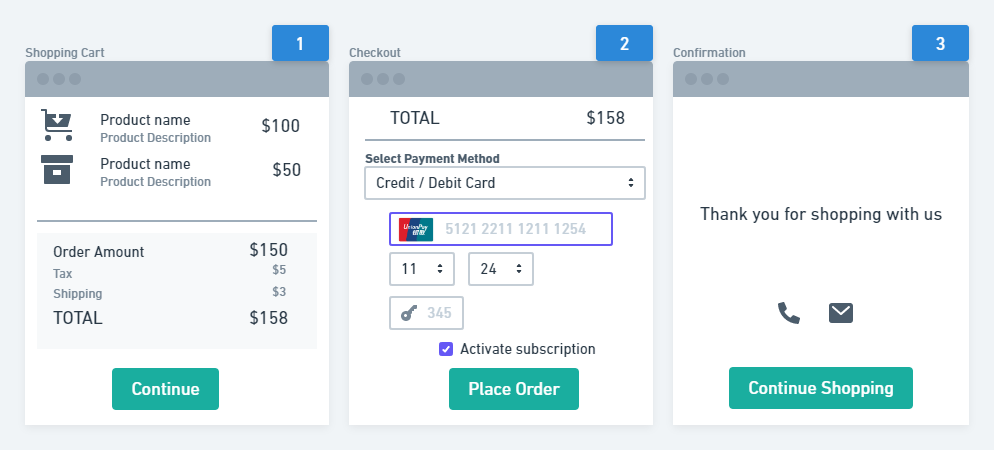
1. When placing the order, shoppers input a UnionPay card as normal.
2. The accepted processing currency needs to be CNY, USD, EUR, GBP, AUD, CAD, CHF, JPY, PLN, SEK, RUB, BRL, ZAR.
3. The payment then continues as a normal Card order.
---
# Agent Instructions
This documentation is published with GitBook. GitBook is the documentation platform designed so that both humans and AI agents can read, navigate, and reason over technical content effectively. Learn more at gitbook.com.
## Querying This Documentation
If you need additional information that is not directly available in this page, you can query the documentation dynamically by asking a question.
Perform an HTTP GET request on the current page URL with the `ask` query parameter, and the optional `goal` query parameter:
```
GET https://docs.2checkout.com/payments/payments/payment-methods/unionpay.md?ask=&goal=
```
`ask` is the immediate question: it should be specific, self-contained, and written in natural language.
`goal` is optional and describes the broader end goal you are ultimately trying to accomplish on behalf of the user. GitBook uses it to tailor the answer towards what is most useful for that goal.
The response will contain a direct answer to the question and relevant excerpts and sources from the documentation.
Use this mechanism when the answer is not explicitly present in the current page, you need clarification or additional context, or you want to retrieve related documentation sections.