> For the complete documentation index, see [llms.txt](https://docs.2checkout.com/llms.txt). Markdown versions of documentation pages are available by appending `.md` to page URLs; this page is available as [Markdown](https://docs.2checkout.com/shopping-carts/default-flows/cart-interfaces.md).
# Cart interfaces
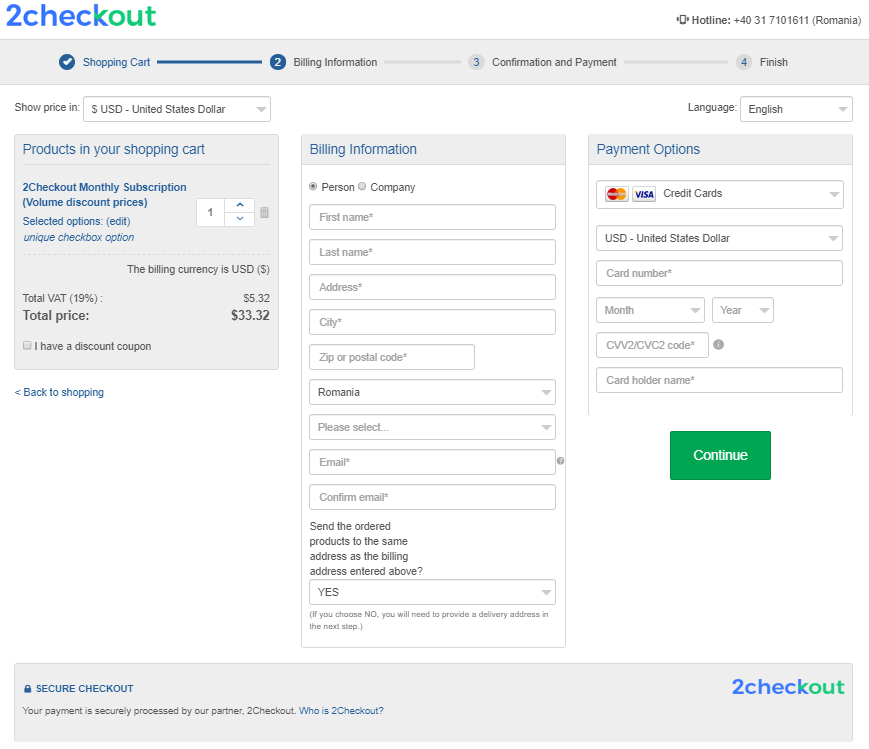
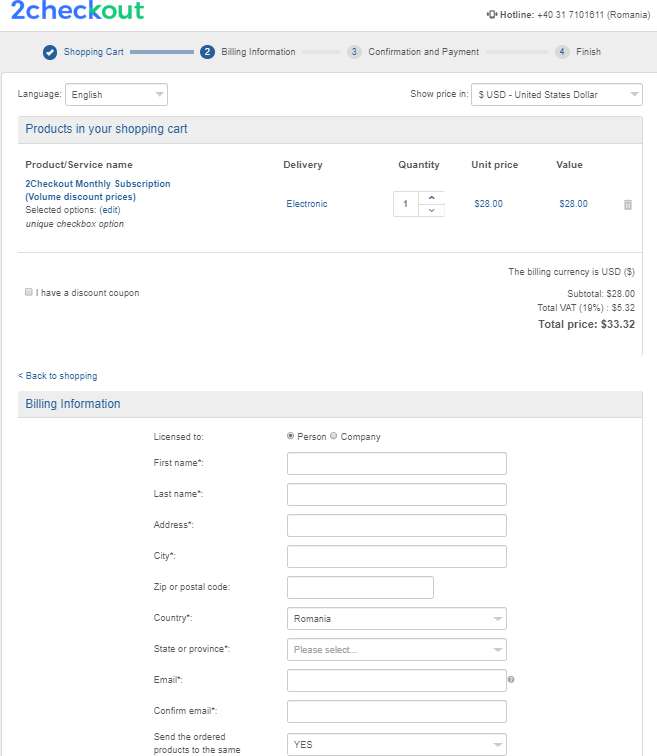
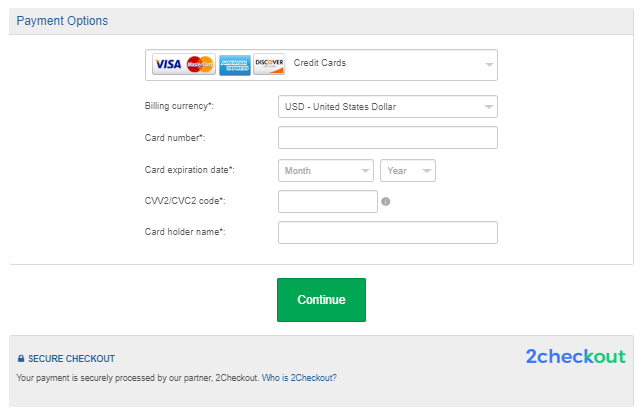
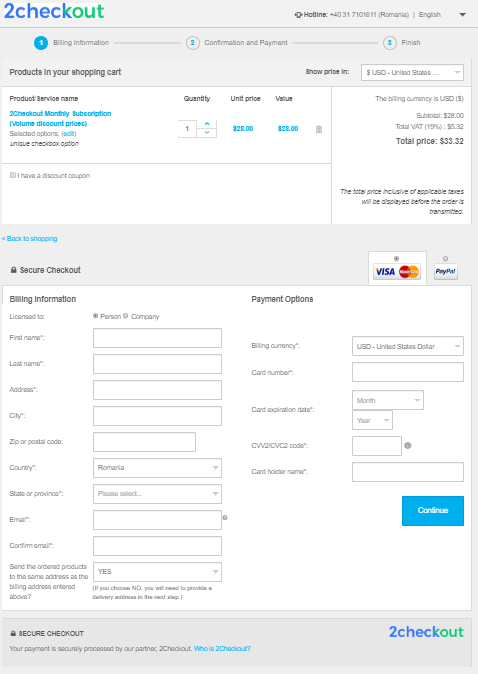
2Checkout provides a list of responsive templates meant for improving the customer experience during the checkout process.
The templates presented below are available in your Merchant Control Panel under *Setup → Interface templates → Template Gallery.*
## Omnicart Flow Checkout (default)
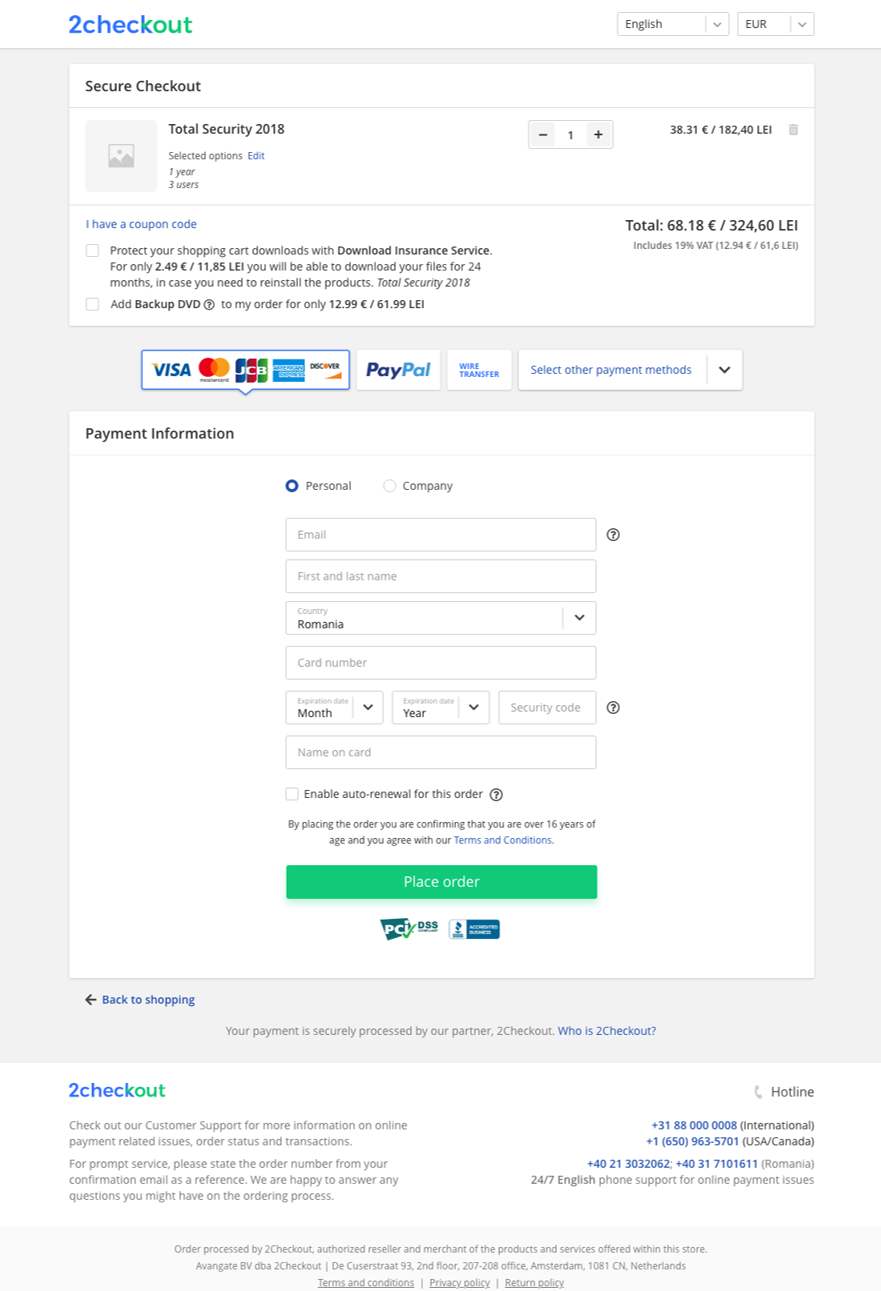
### Desktop Version
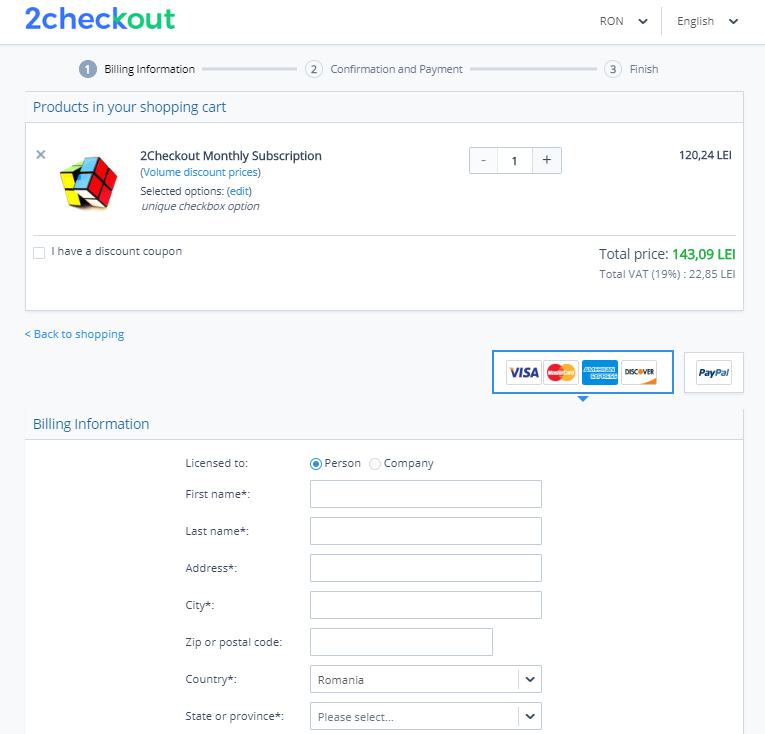
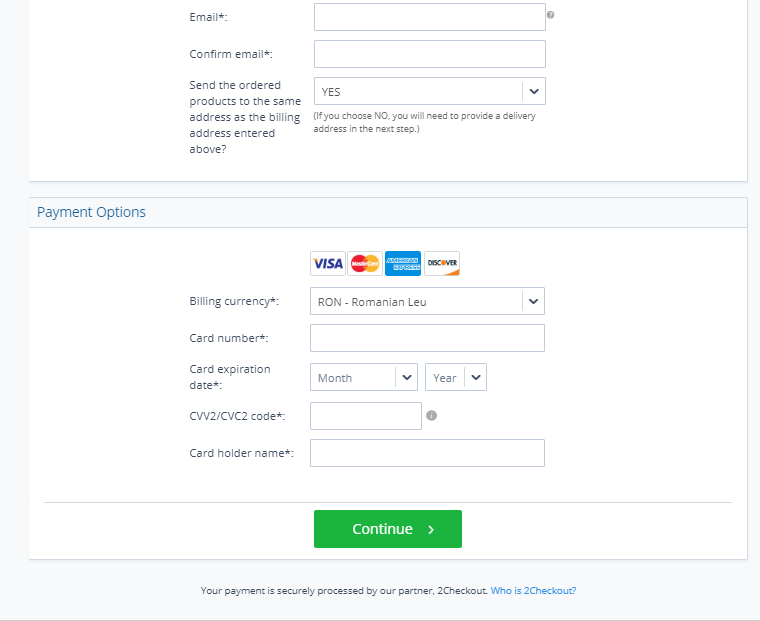
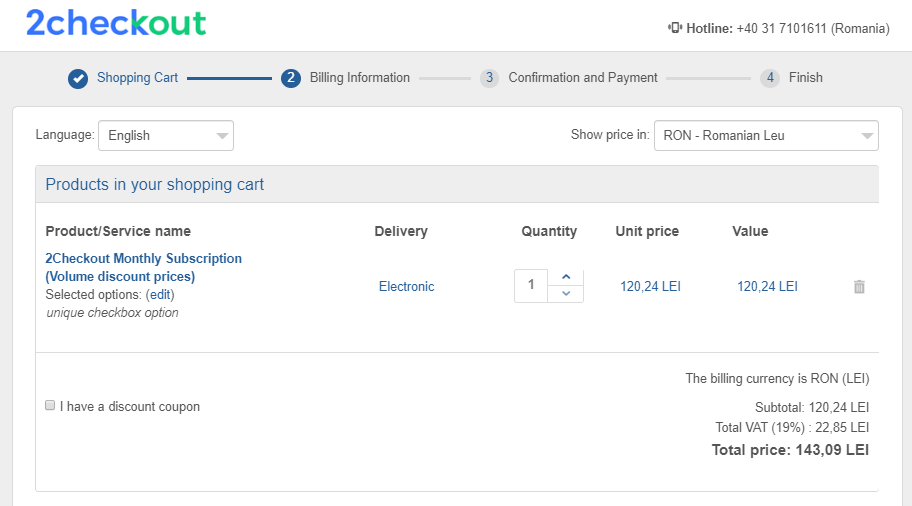
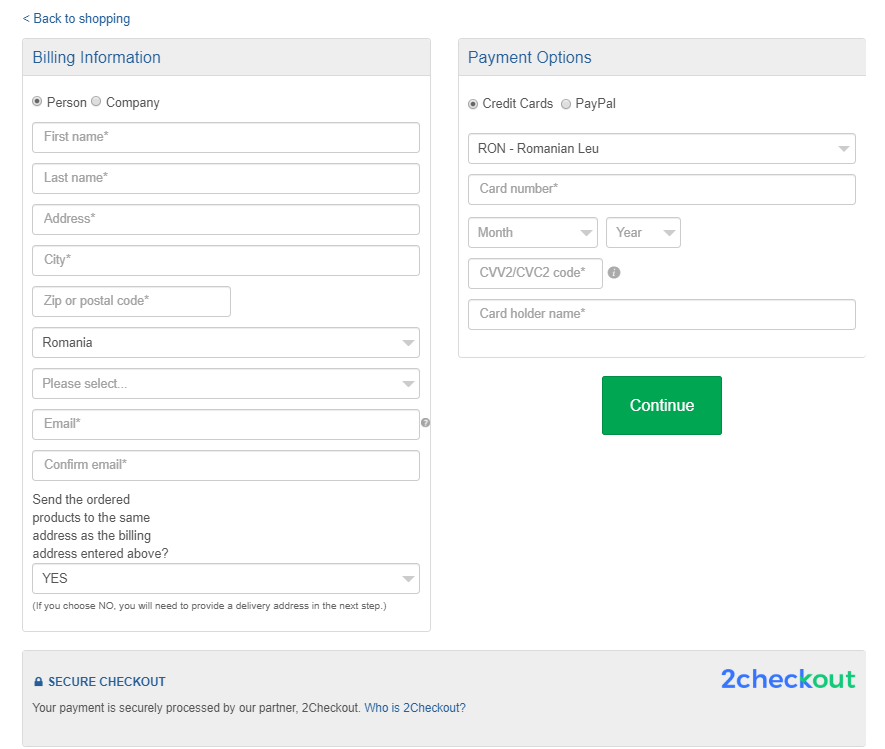
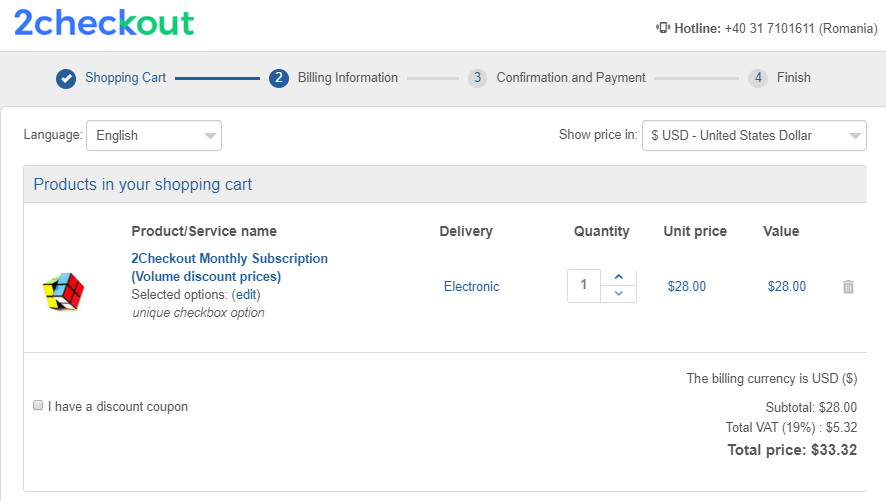
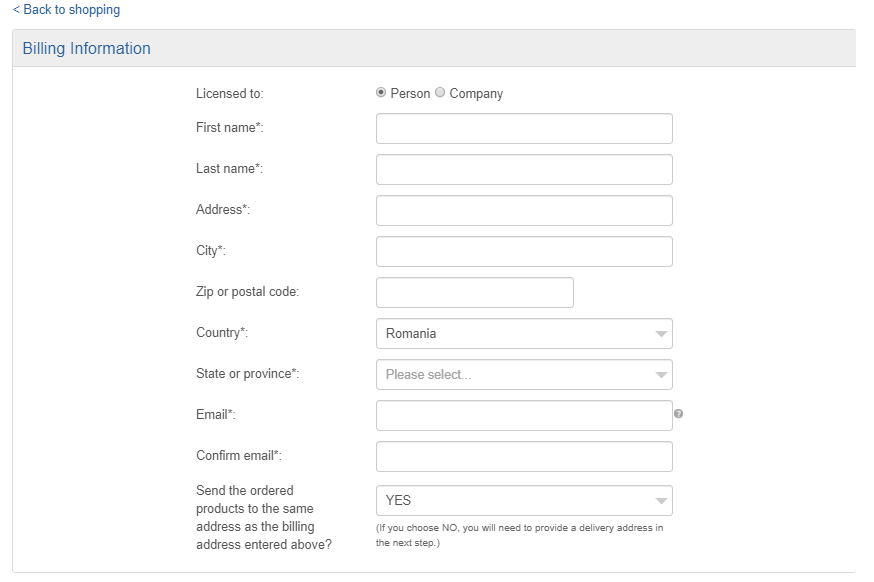
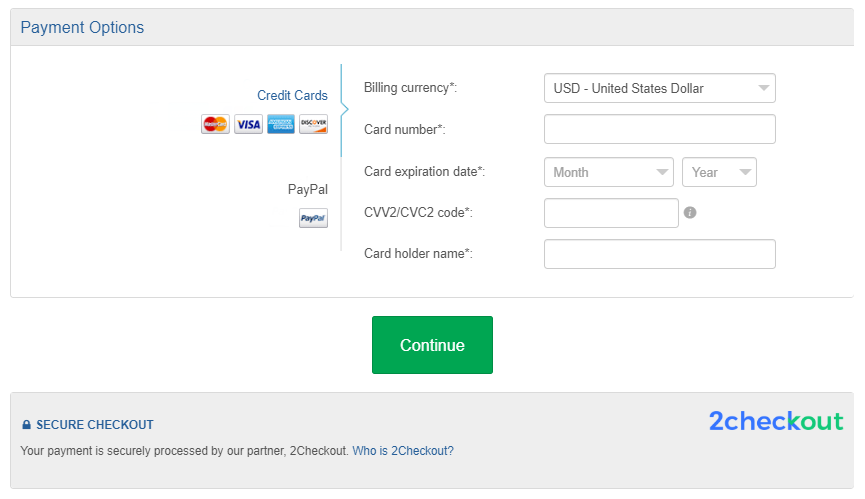
The Omnicart Flow Checkout is a B2B and B2C shopping cart template with add-on products for cross-sales, promotions, and AOV management, optimized for companies on a SaaS or renewal license model. We've recently updated its layout to encompass CRO key findings and best practices and, thus, help merchants using this template see a 5-10% increase in their conversion rates.
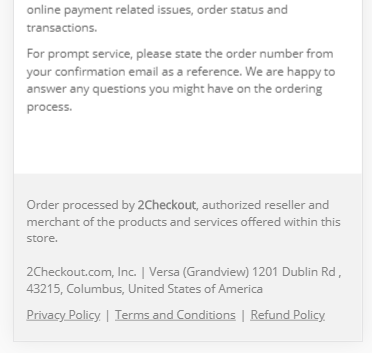
Among the key UX improvements, you can notice the reduced overall height and scroll on-page for the whole form by merging some sections and removing all redundant elements. We've also redesigned the Company/Person selector, changed the order of fields in the form, updated the Paypal payment method with optimized up-to-date flows, simplified texts, and payment method button selector, and added certification and trust logos immediately below the Place Order button on the Review Page.
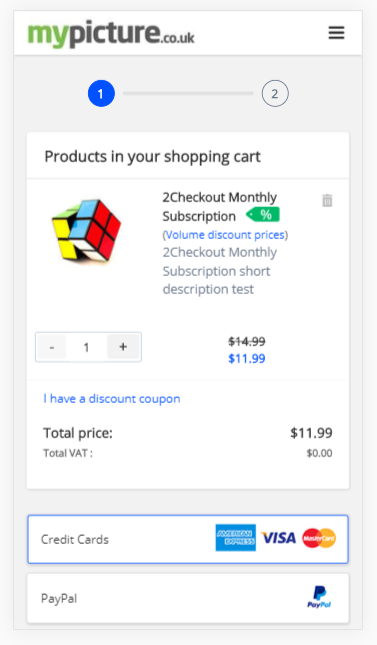
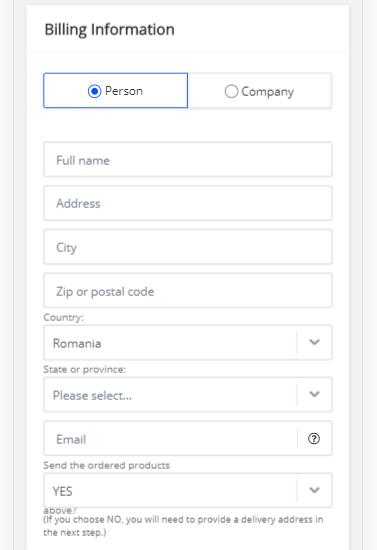
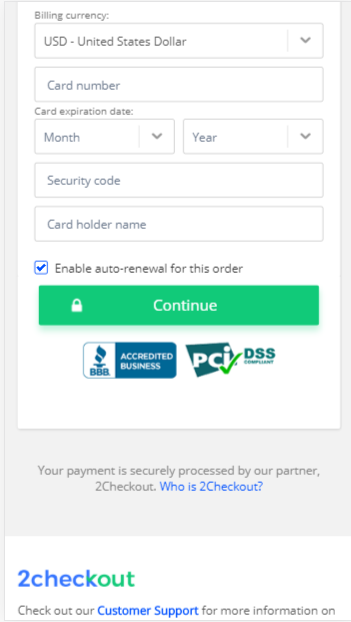
### Mobile Version
***
## Scale Express Checkout
### Desktop version
### Mobile Version
***
## Swift-Pay Checkout
### Desktop version
### Mobile Version
  
***
## Global Optimizer Checkout
### Desktop version
### Mobile Version
  
## Digital Horizontal Flow Checkout
### Desktop version
### Mobile Version
  
## Drop-down Monetize Checkout
### Desktop version
### Mobile Version
   
## CompactPlus Checkout
### Desktop version
### Mobile Version
   
---
# Agent Instructions
This documentation is published with GitBook. GitBook is the documentation platform designed so that both humans and AI agents can read, navigate, and reason over technical content effectively. Learn more at gitbook.com.
## Querying This Documentation
If you need additional information that is not directly available in this page, you can query the documentation dynamically by asking a question.
Perform an HTTP GET request on the current page URL with the `ask` query parameter, and the optional `goal` query parameter:
```
GET https://docs.2checkout.com/shopping-carts/default-flows/cart-interfaces.md?ask=&goal=
```
`ask` is the immediate question: it should be specific, self-contained, and written in natural language.
`goal` is optional and describes the broader end goal you are ultimately trying to accomplish on behalf of the user. GitBook uses it to tailor the answer towards what is most useful for that goal.
The response will contain a direct answer to the question and relevant excerpts and sources from the documentation.
Use this mechanism when the answer is not explicitly present in the current page, you need clarification or additional context, or you want to retrieve related documentation sections.